
Meet Maple Hill PTA
A fictional school, a real account. Everything below is the actual product running a busy parent group: the page families see, the posts they read, and the tools the board uses to run it all.
What families see
One page for the whole group
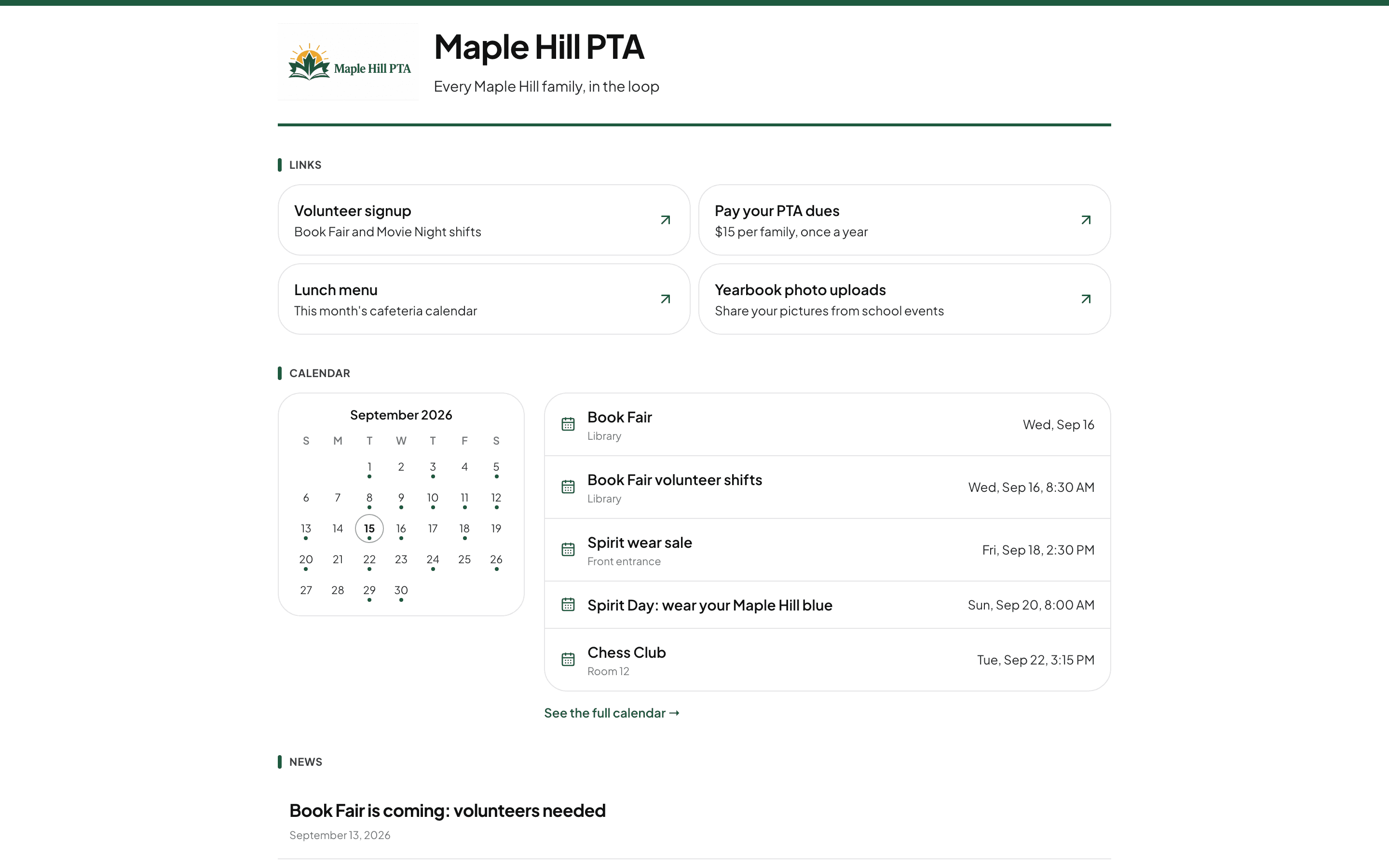
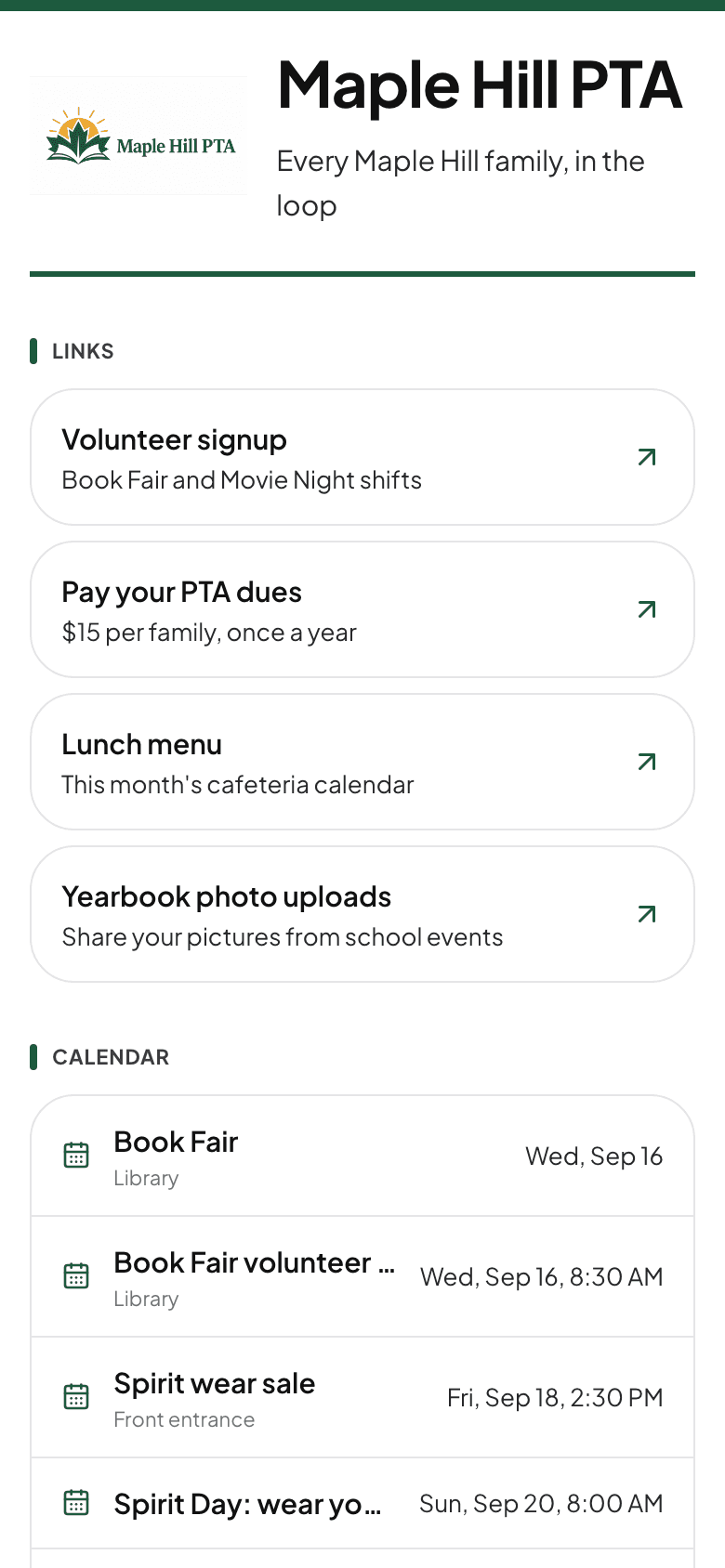
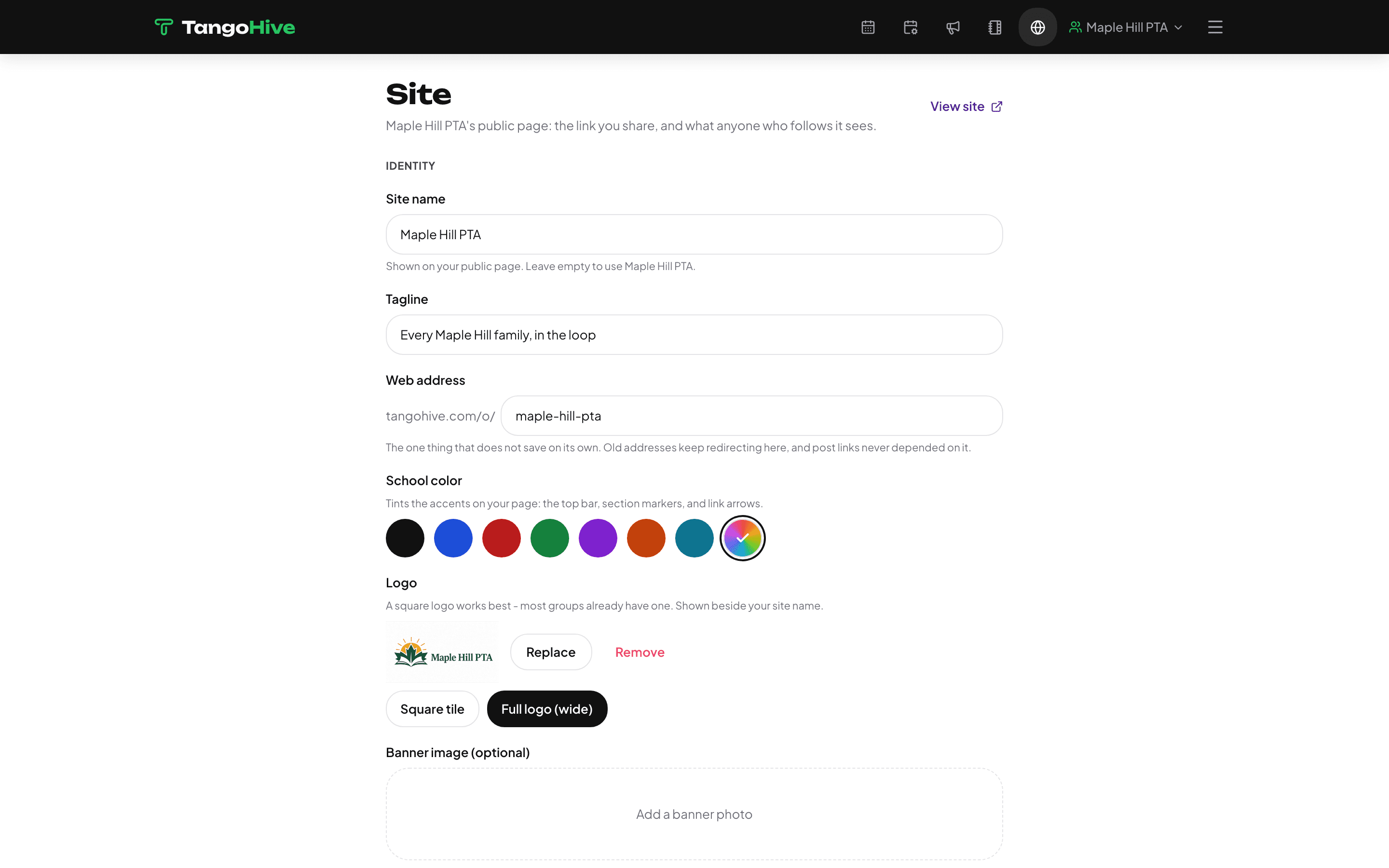
Every group gets a public site at its own address: their colors, their logo, the links they already use - volunteer signups, dues, the lunch menu - plus the calendar and the latest news. This is the link on the school newsletter and the fridge magnet.
The part families use every day
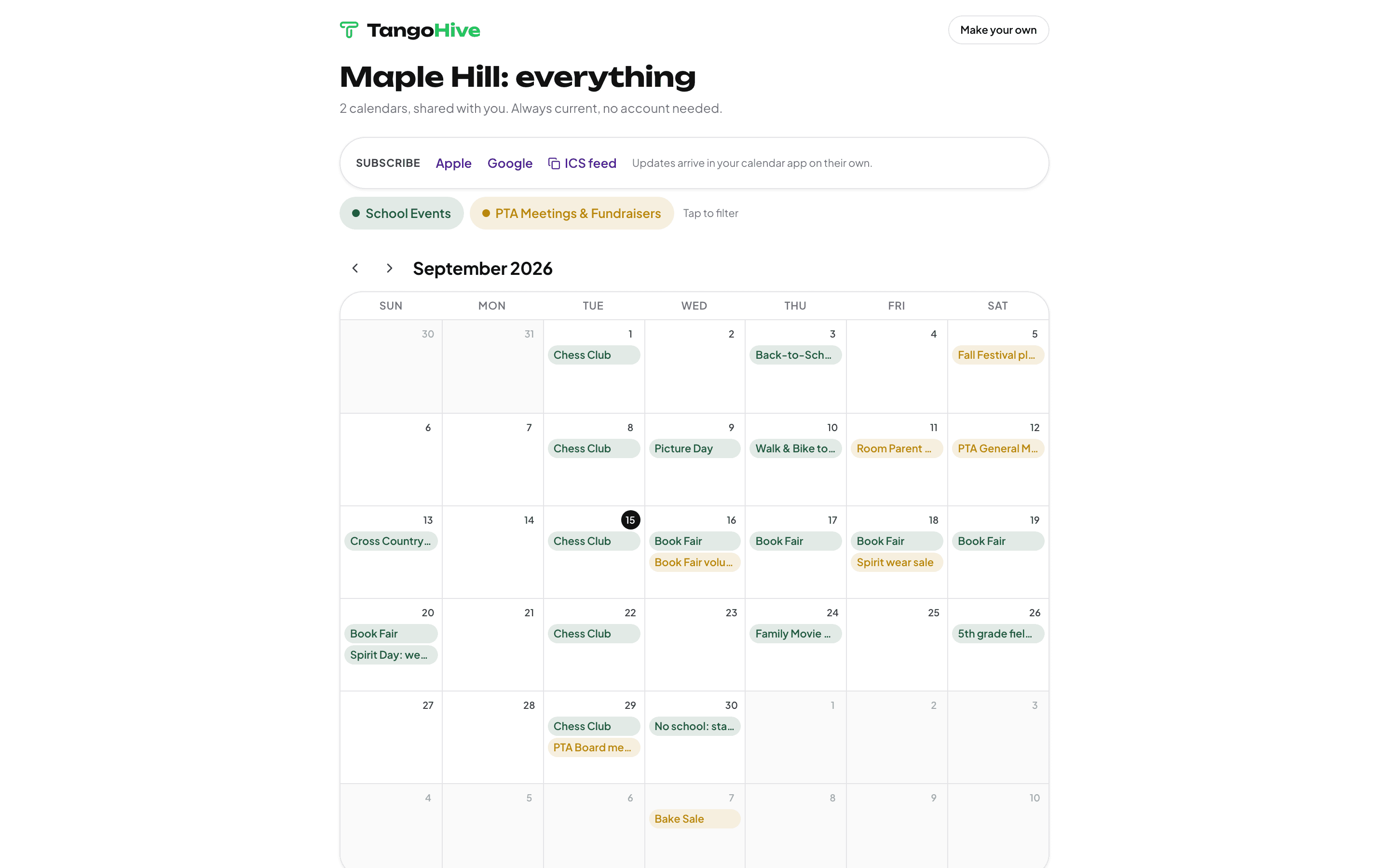
A calendar they can subscribe to
Spirit days, the book fair, every PTA meeting - on the site, and one tap from landing in the calendar app each family already uses. Edit an event once and every subscribed phone updates.
Get the schedule in without typing it
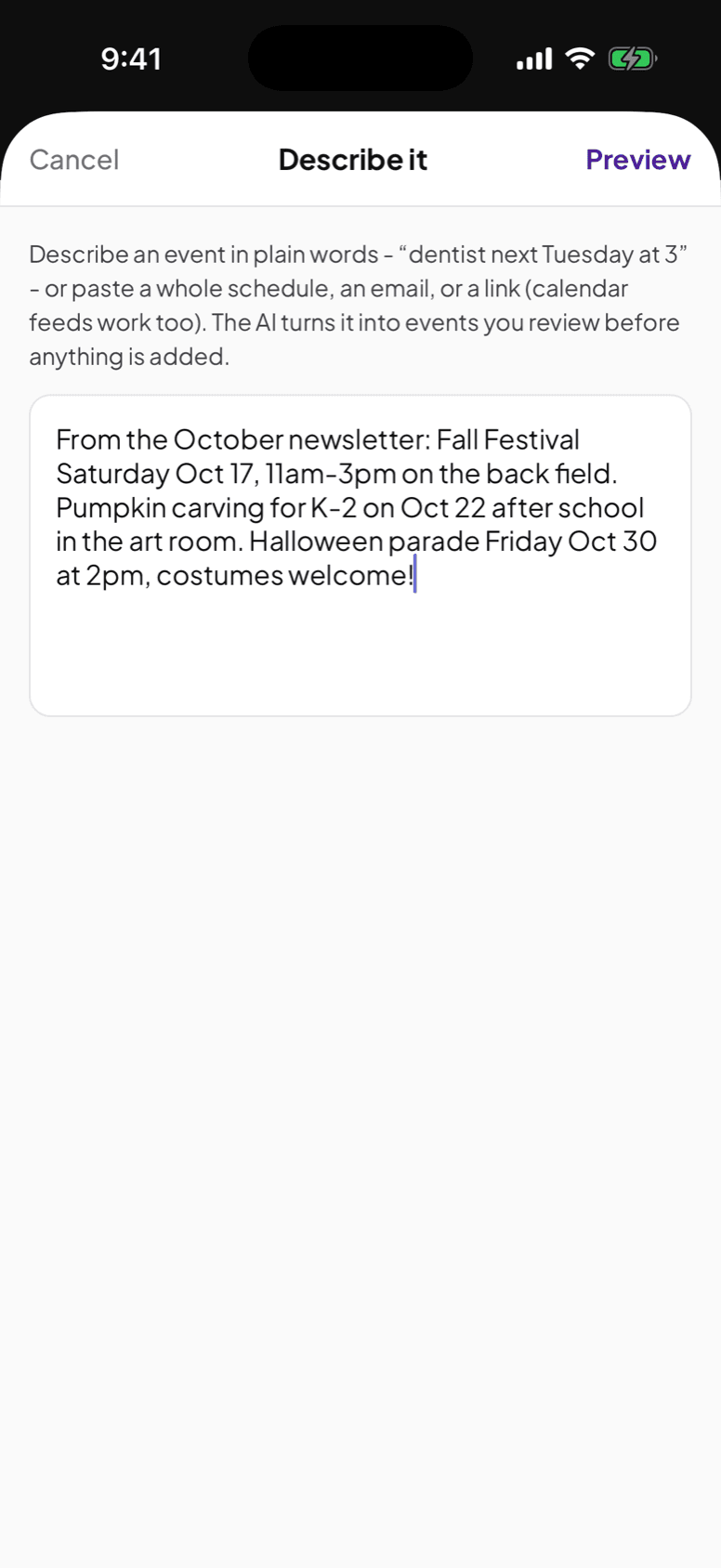
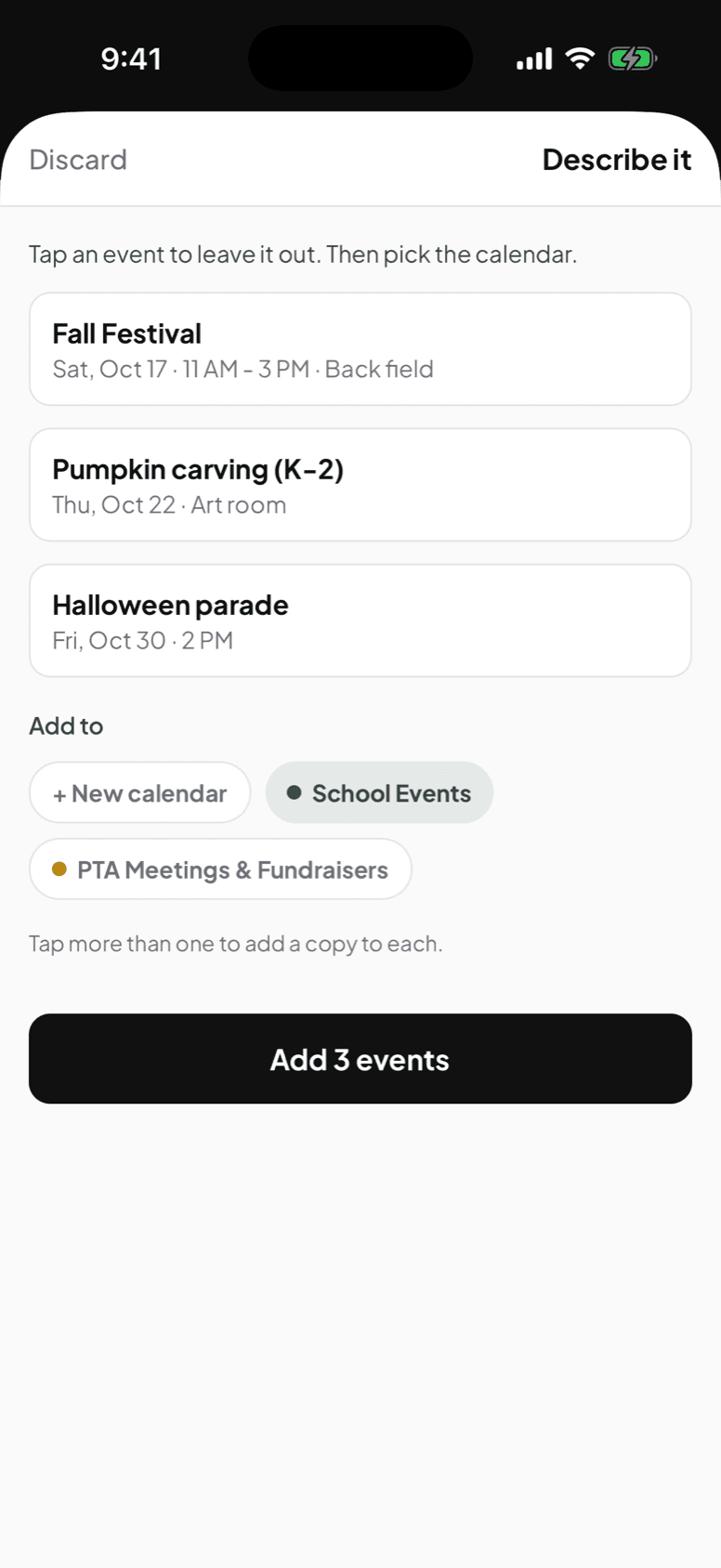
Paste the newsletter, the coach's email, or a link, and AI drafts the events. You check them and pick the calendar before anything is added. Same on the web and in the app.
What families get
One link opens the whole calendar in any browser, with no account and nothing to install. From that same page a parent subscribes in Apple, Google, or Outlook, and every later change arrives on its own.
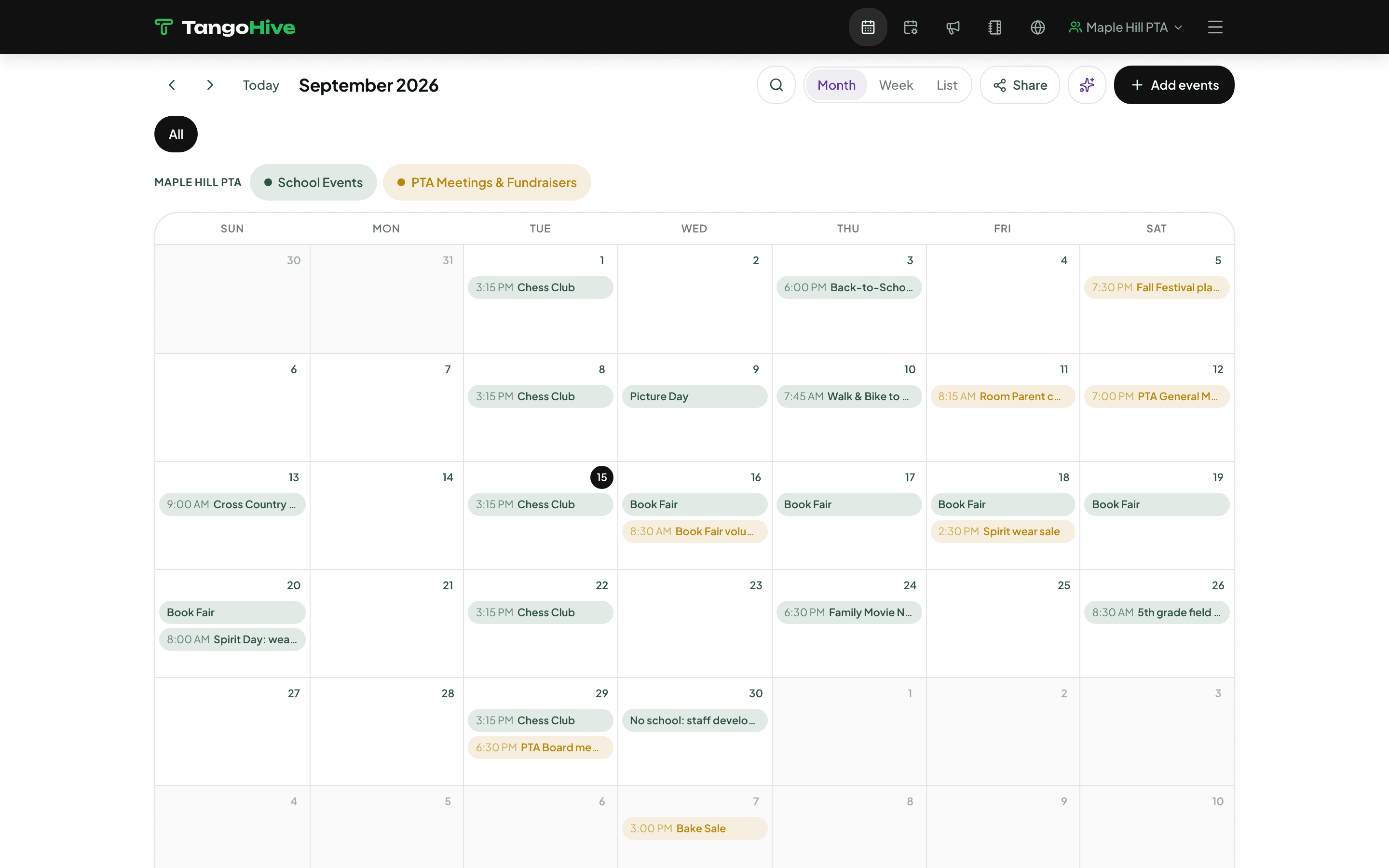
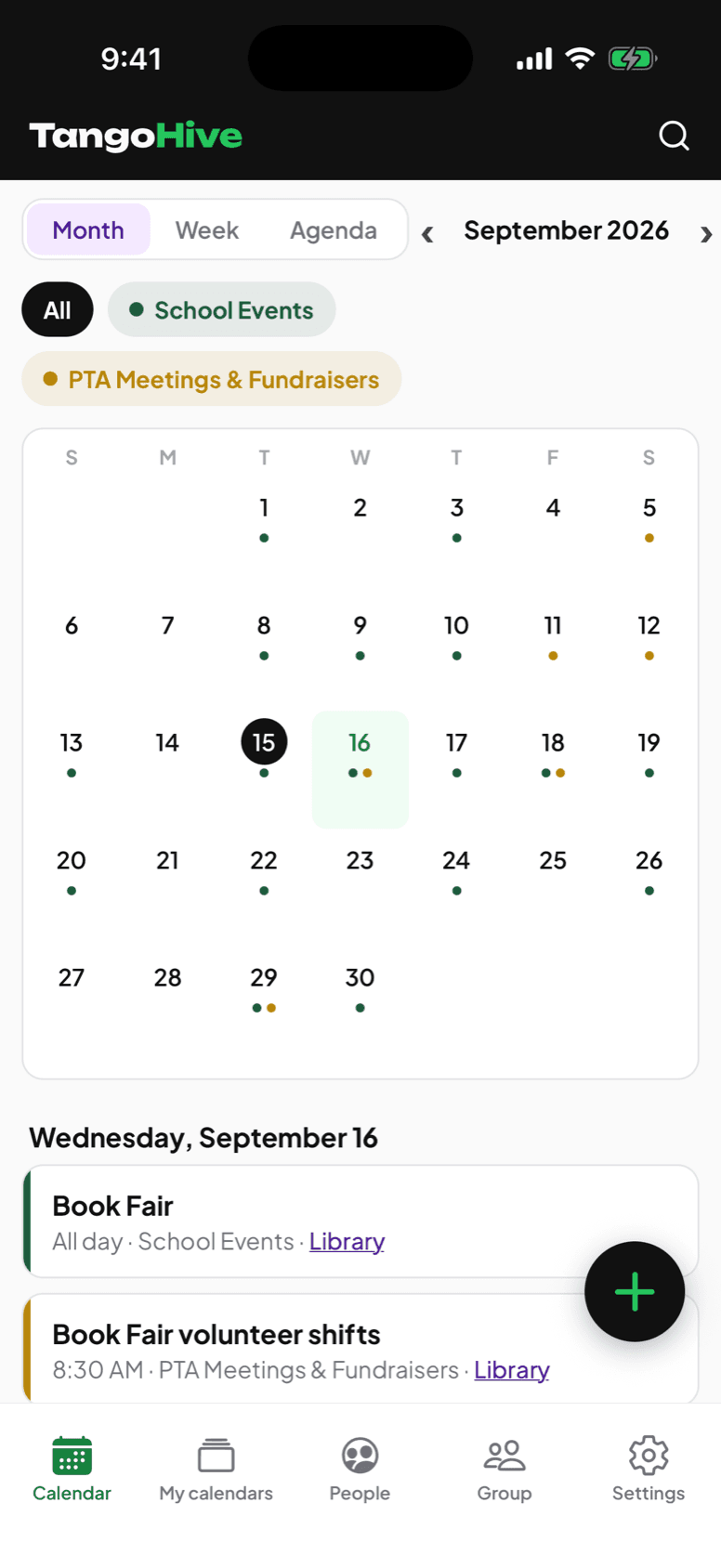
The board's view, on both screens
Month, week, and list on the web; month, week, and agenda in the iPhone app. Colour-coded per calendar, with tap-to-filter chips so one family can look at just what they care about.
When plans change, tell the right people
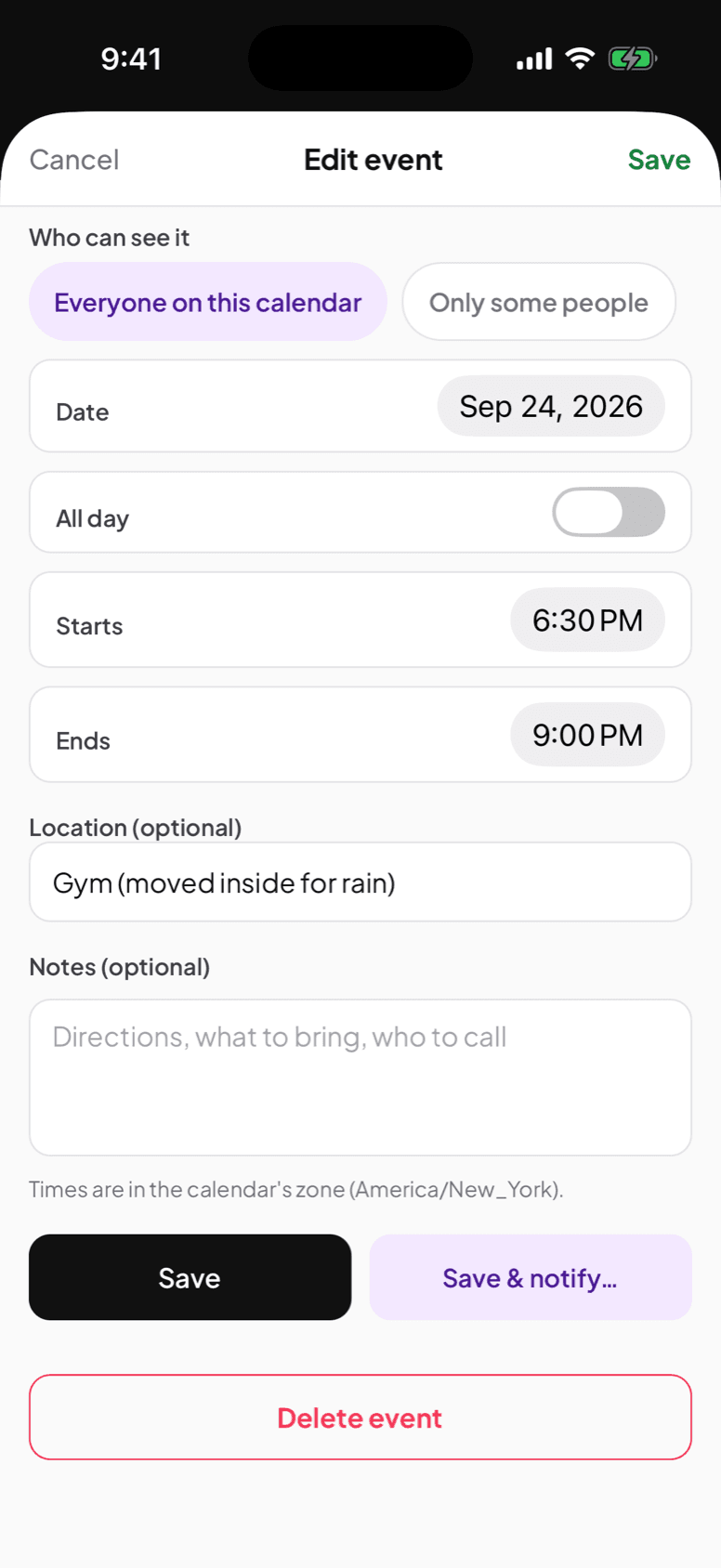
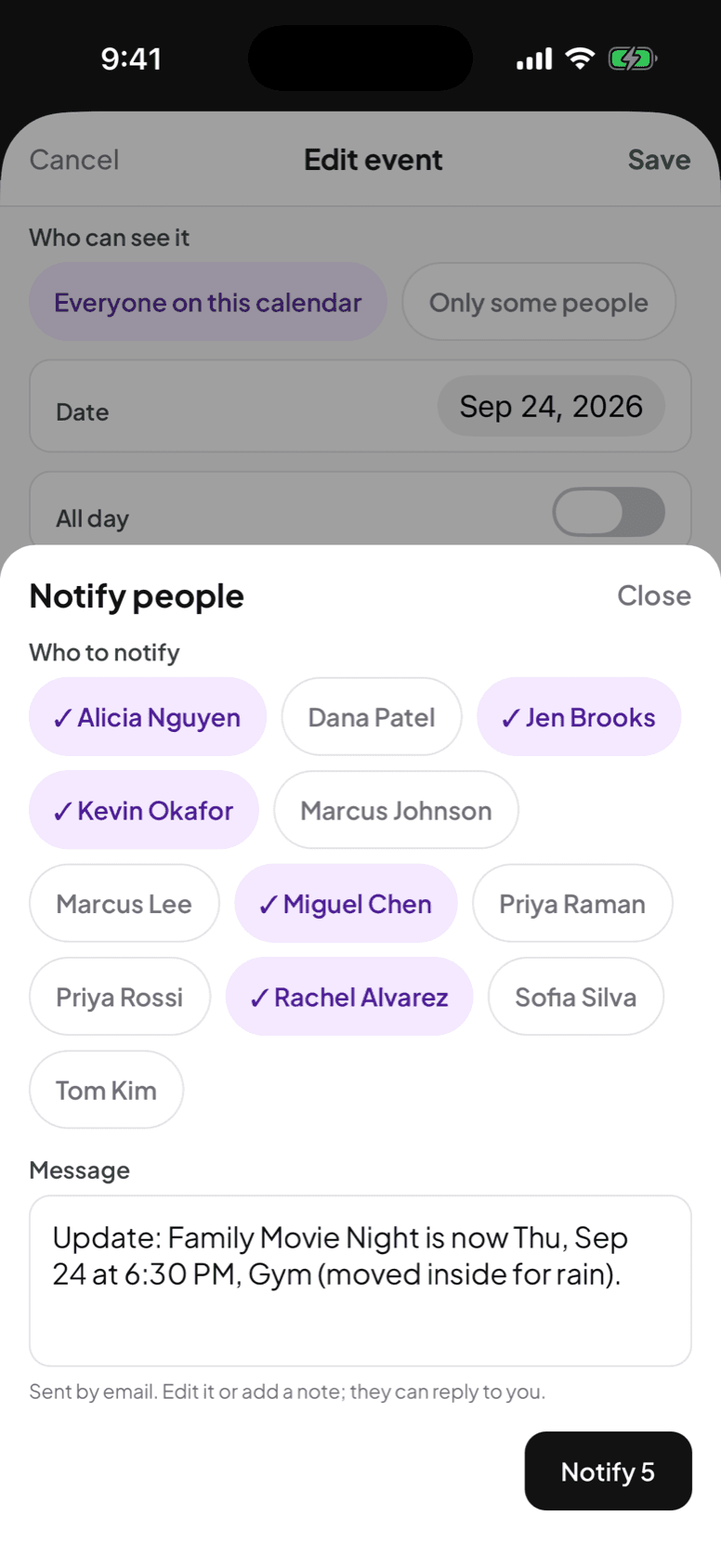
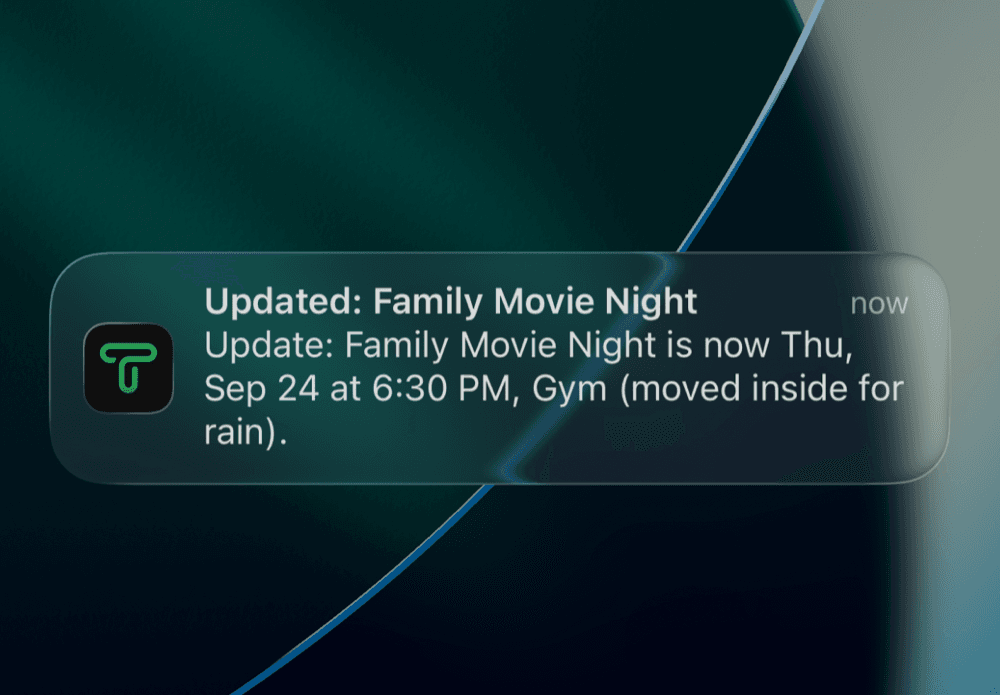
Rain moves movie night into the gym. Change the event and choose Save & notify: TangoHive writes the message, you pick who needs to know, and it goes out by email. Anyone with the app also gets it on their phone.
News that stays put
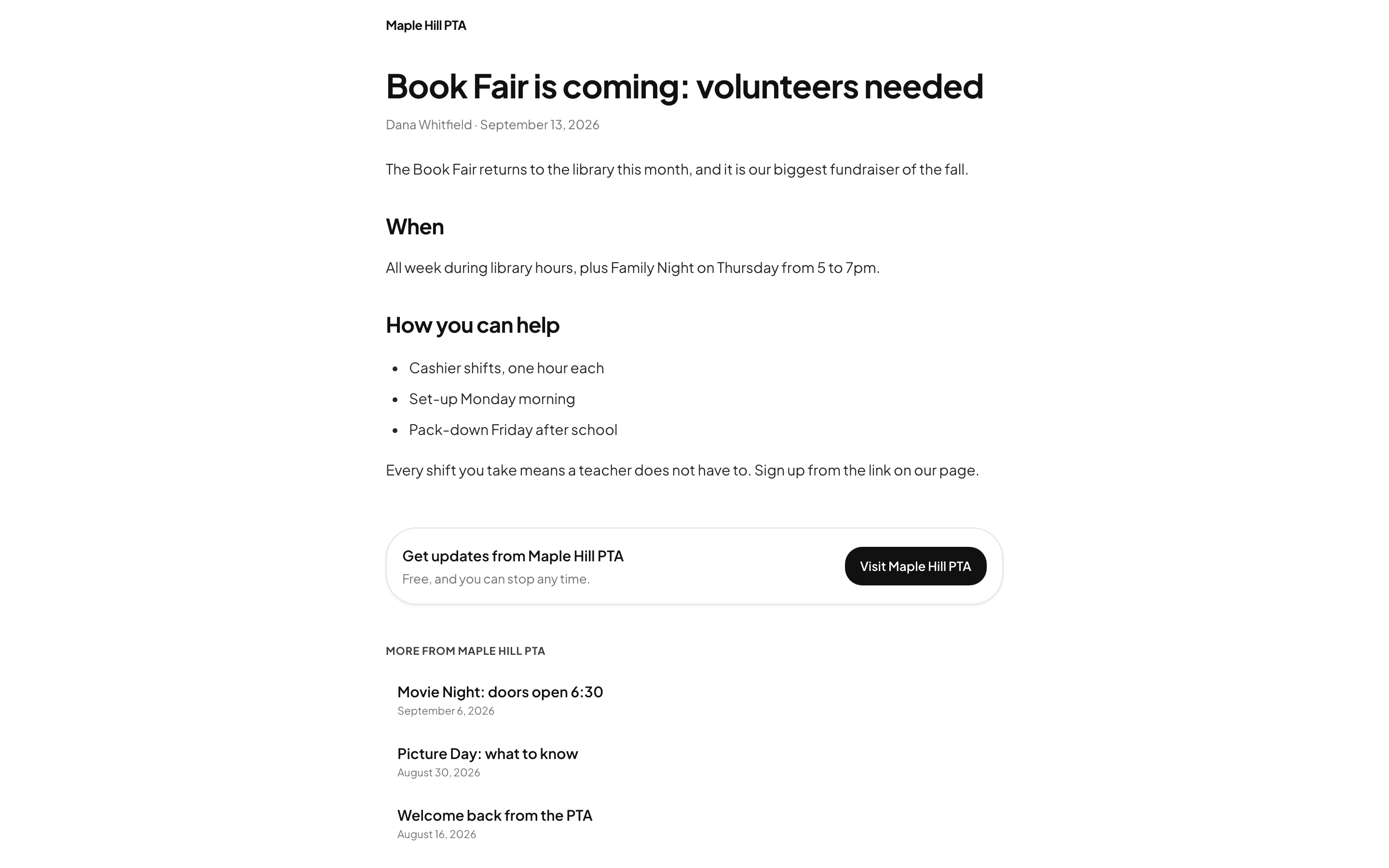
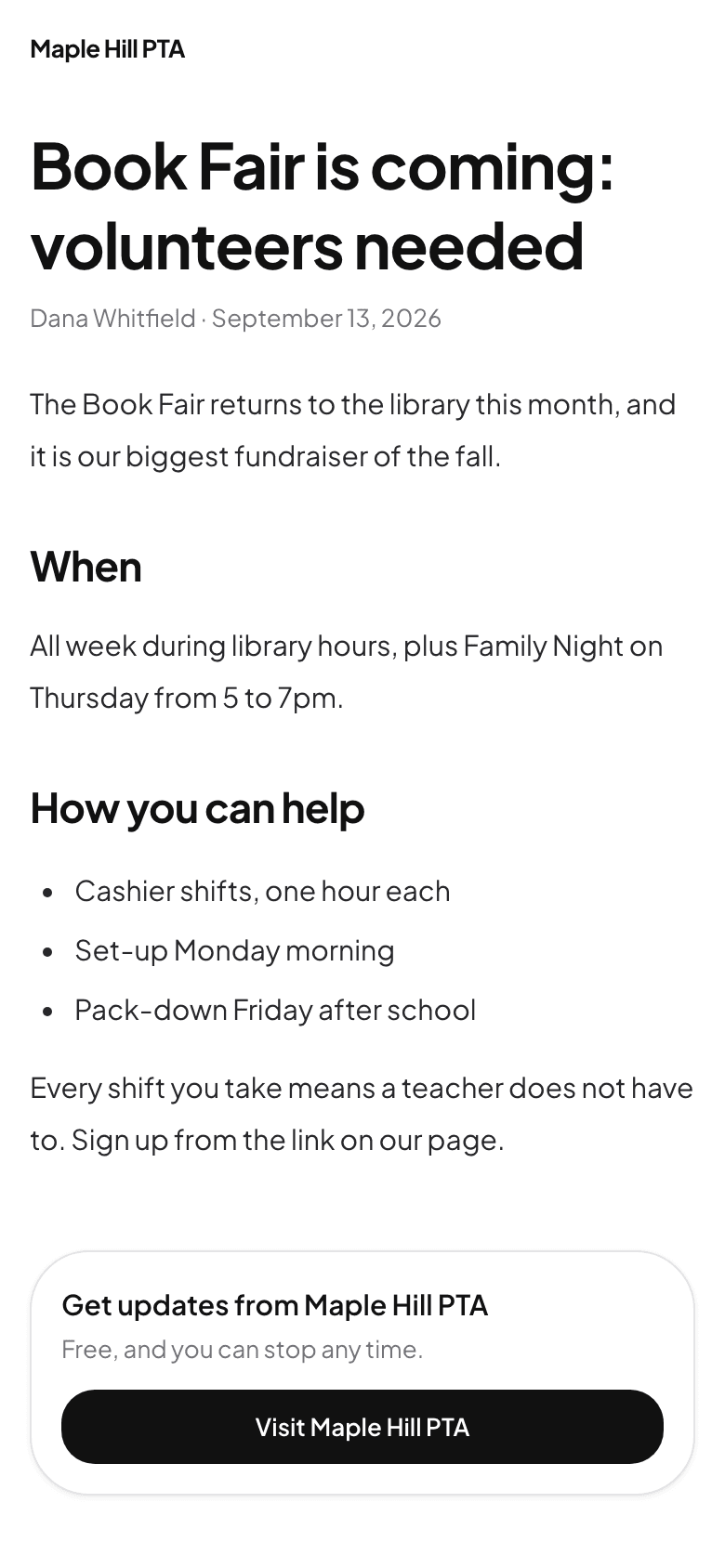
Posts live at a link, not buried in inboxes
Write once and it lives on the group's page - readable with one tap from the email, no account and no app. Posts are for members only: families on the list, not search engines.
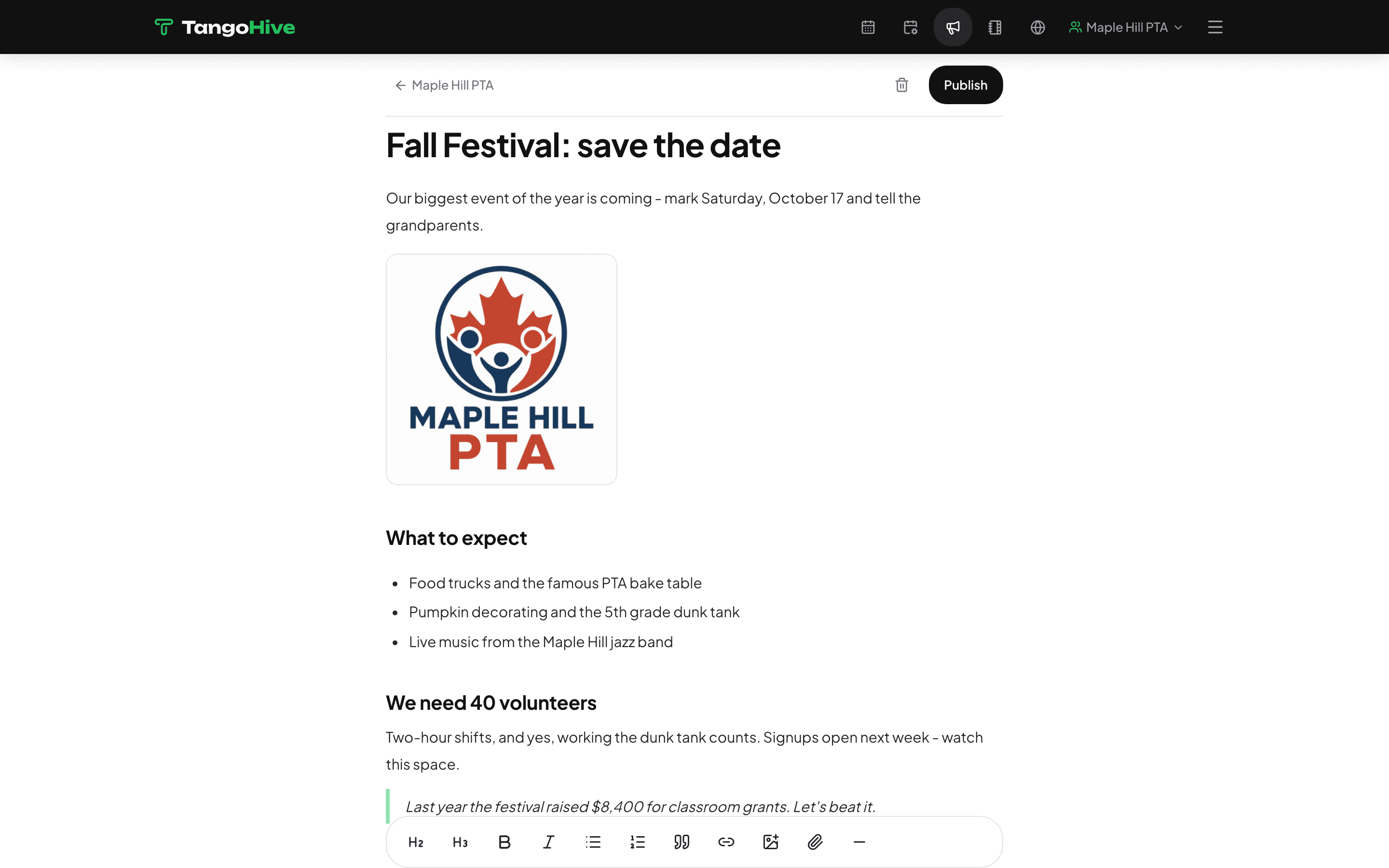
The composer the board writes in:
One tap to every inbox
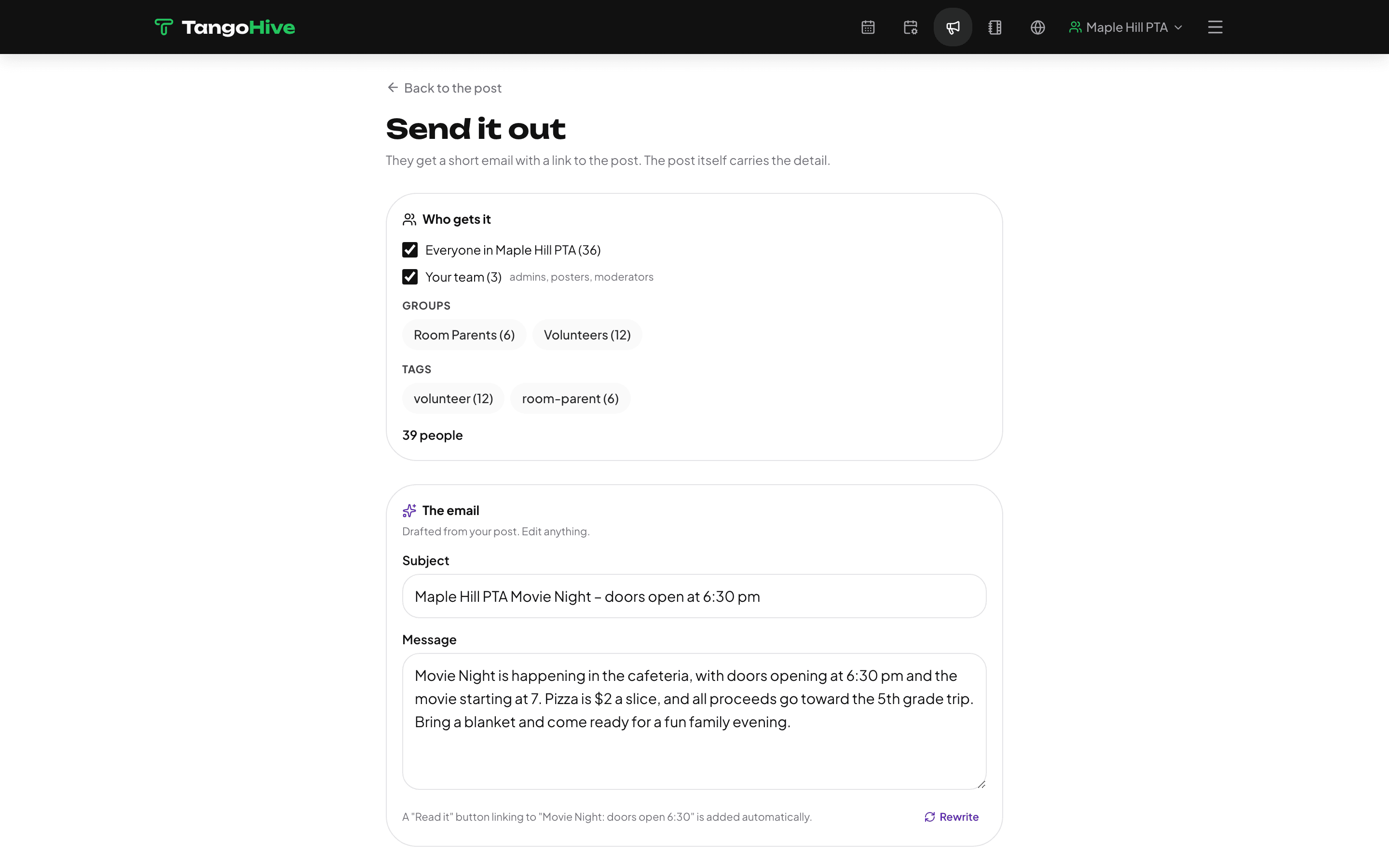
An email that writes itself
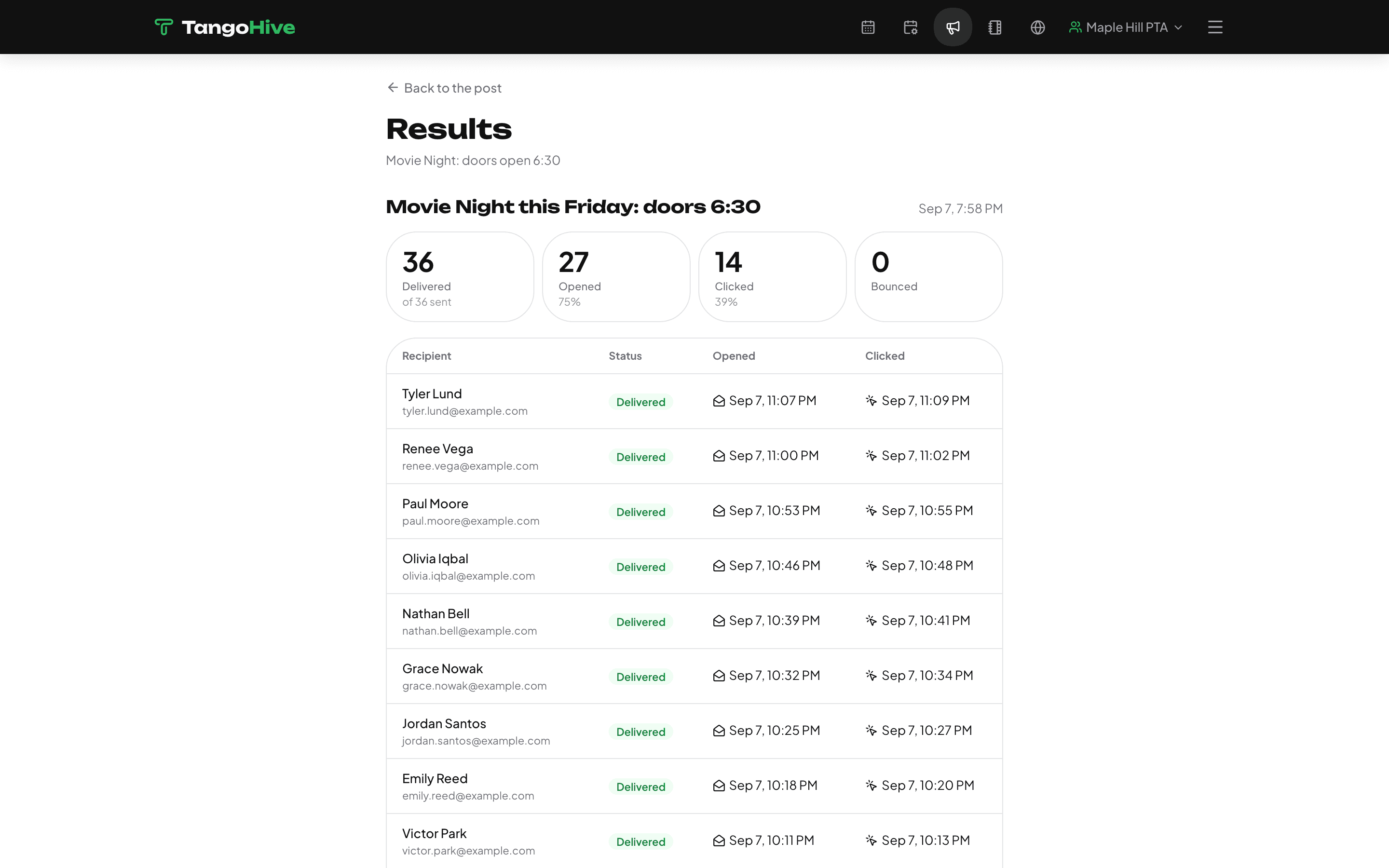
Publish, then notify: TangoHive drafts a short announcement from your post - you edit it, pick who gets it, and send. Bounces and unsubscribes are handled for you.
Afterwards, who actually read it:
Your list, finally in one place
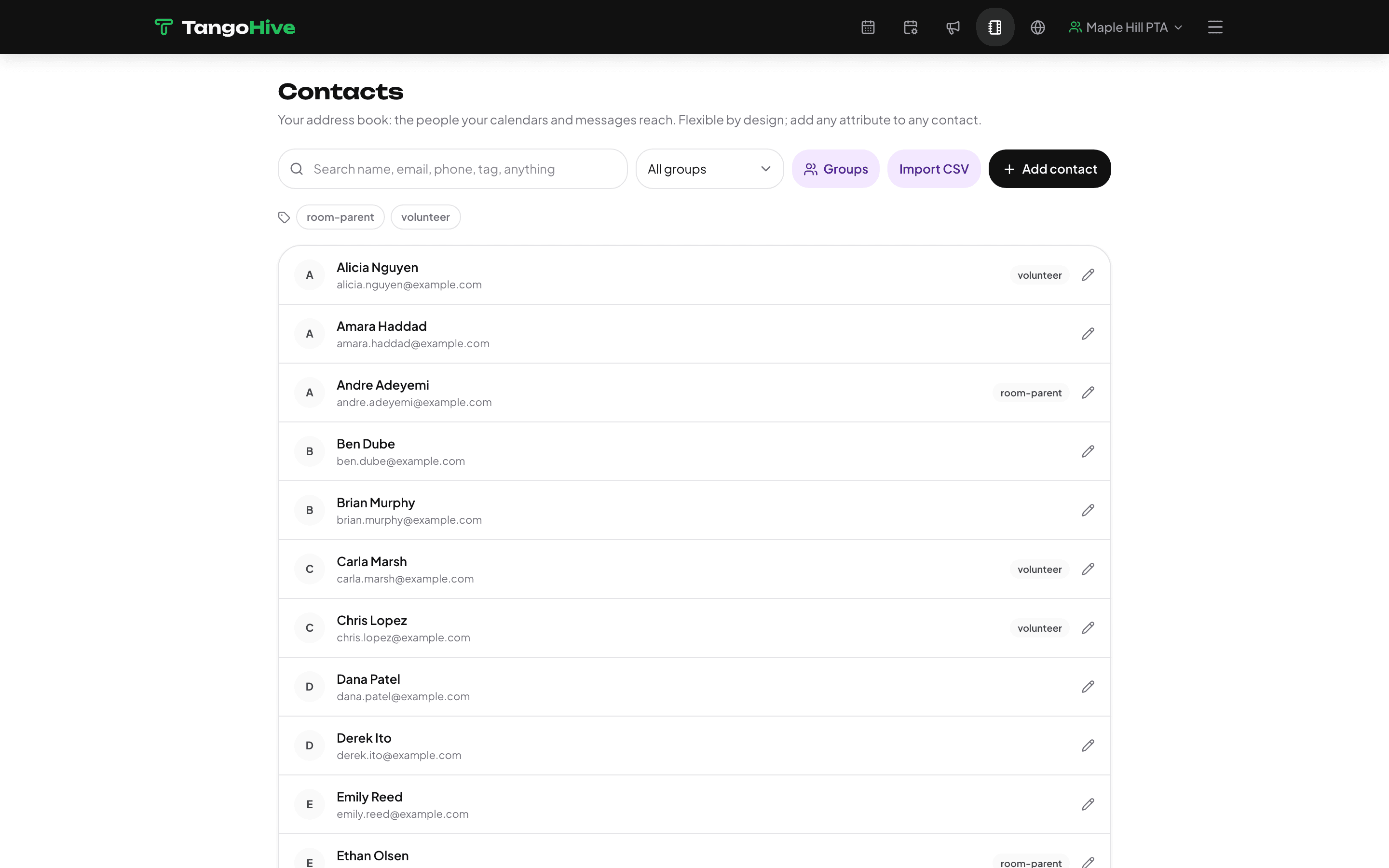
Contacts the whole board can use
Import the parent list once - CSV, or add people as they sign up. Tag them, group them by room or role, and every send knows exactly who it reaches. No more forwarding the spreadsheet.
Not a one-person job
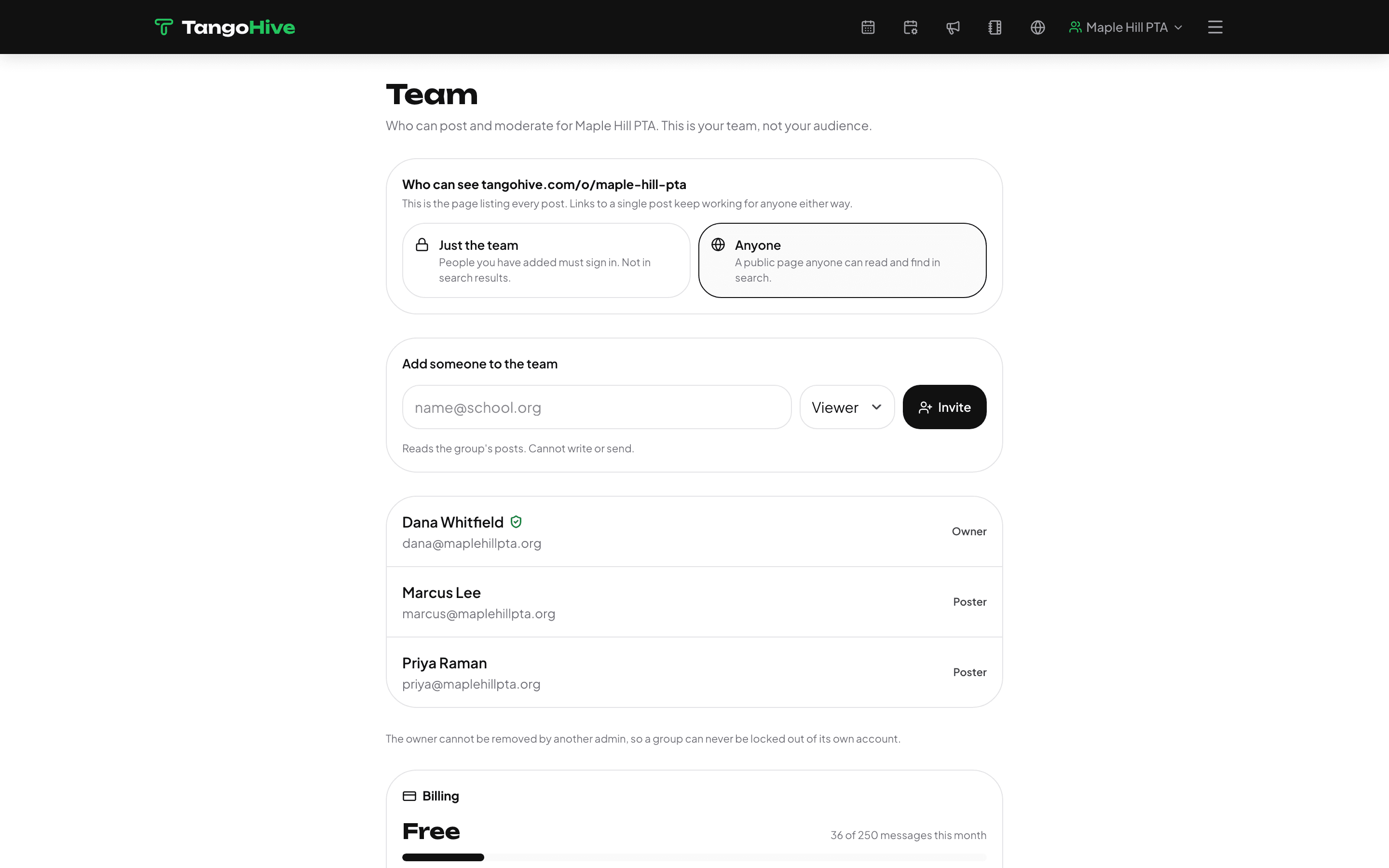
A team, with sensible roles
Invite the board: some people write, some run everything, and the treasurer who only needs to read can just read. The group keeps working when any one person is busy - or hands off next year.
Site settings: colors, logo, links - no website builder required:
Your group could look like this by tonight
Start free: make a group, paste your event list, share one link. The free plan needs no card.
Get started